This guide helps you set up taxes for EU countries when delivery from outside of EU
- Click Settings → Taxes and Duties → Search for Europe → Select European Union.
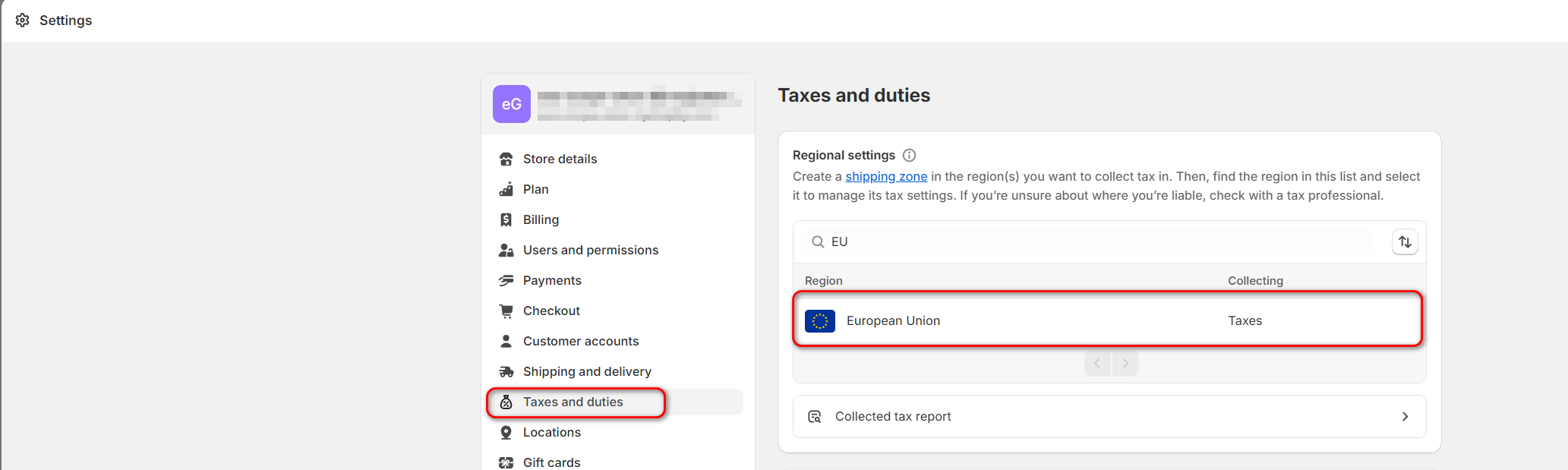
- Look up Shipping to the EU section and click Collect VAT
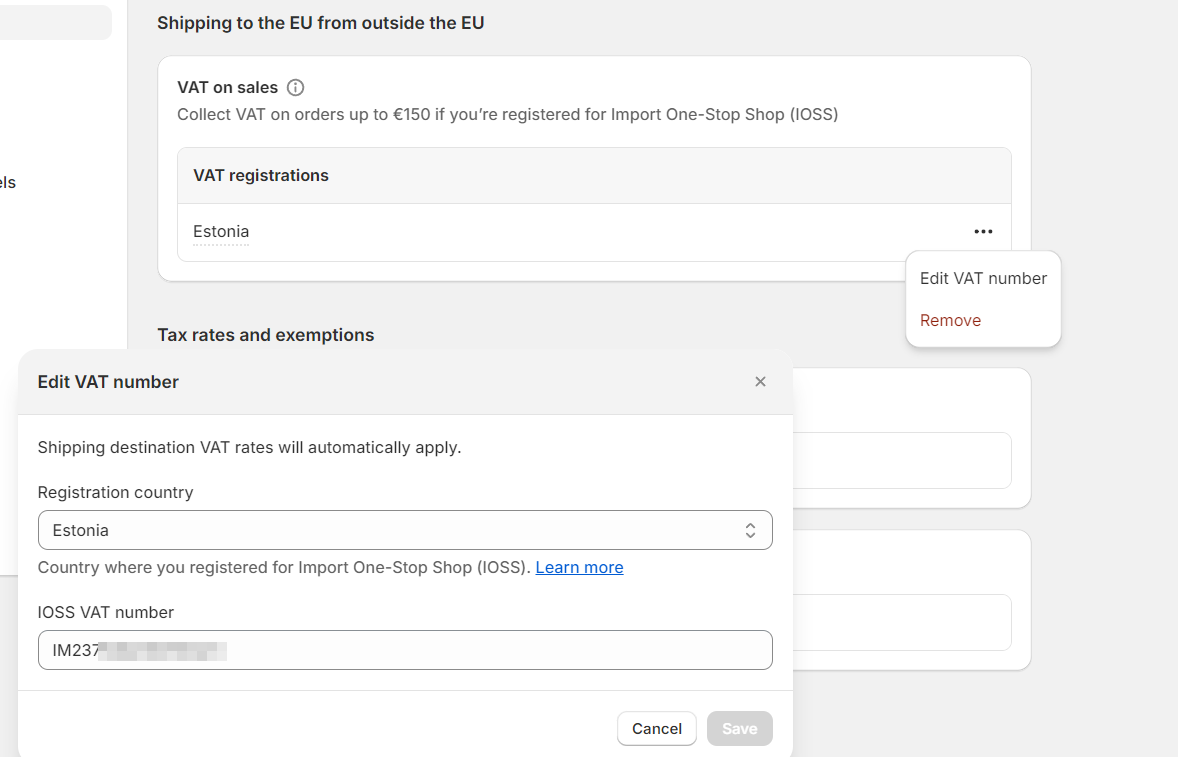
- Select the country where you have registered for the IOSS scheme and insert your IOSS number.
- Click Collect VAT.
Now you just added IOSS registration to your store. Starting from now on, all orders under 150€ fulfilled from outside of EU countries will be considered and calculated as IOSS orders.
You can follow our tutorial to set up tax rates in the video below: